
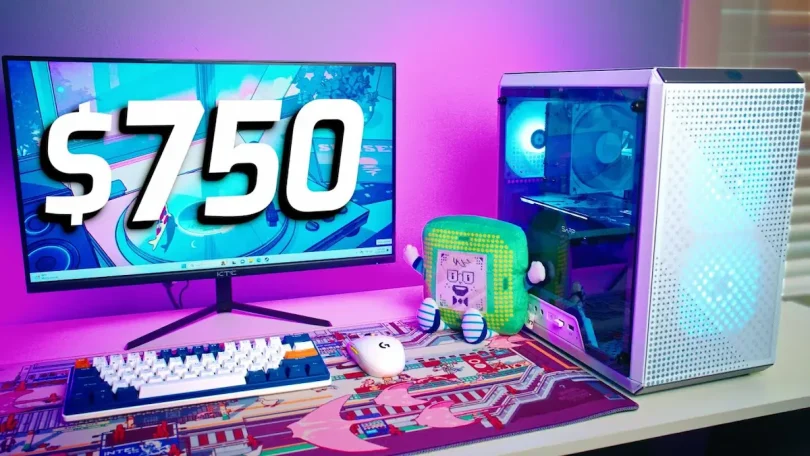

Getting into PC gaming is exciting, but building a setup that delivers great performance without draining your wallet can feel overwhelming. That’s why we created this budget gaming setup buying guide—to help you navigate component choices, peripherals, and smart budgeting strategies so you can enjoy gaming at its best without overspending. Whether you’re new to gaming or upgrading from a basic setup, this guide has you covered.
Why a Budget Gaming Setup Makes Sense
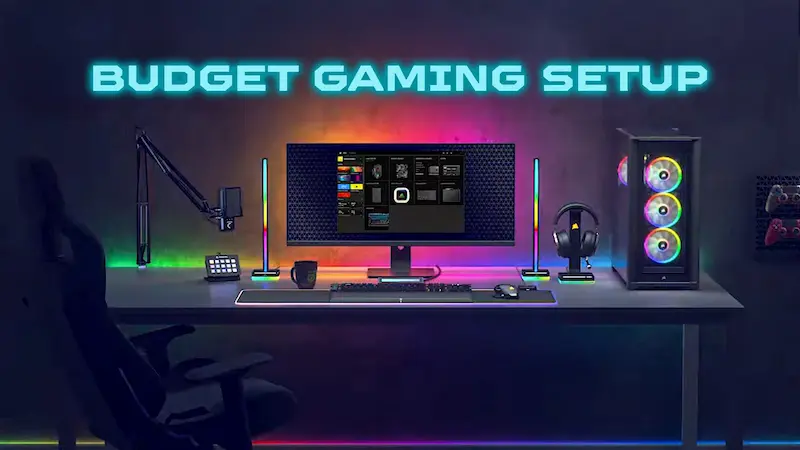
You don’t need a $2000 gaming rig to enjoy modern games. A budget gaming setup is perfect for:
- Casual and competitive gaming at 1080p.
- Learning PC building without massive investment.
- Future-proofing gradually, allowing you to upgrade individual components over time.
With smart choices, you can play AAA titles at medium to high settings and enjoy esports games at high frame rates, all without breaking the bank.
Core Components of a Budget Gaming Setup
Building a gaming PC starts with choosing the right components. Each part plays a critical role in balancing performance and cost.
1. CPU (Processor)
The CPU is your PC’s brain, responsible for executing game logic, AI, and multitasking. For a budget gaming setup, you don’t need the most expensive processor, but you do need one that pairs well with your GPU:
- AMD Ryzen 5 5600G – Excellent for gaming with integrated graphics, ideal for tight budgets.
- Intel Core i5-12400F – Great performance for gaming at an affordable price, perfect if paired with a mid-range GPU.
Tip: Don’t overspend on high-end CPUs if your GPU is entry-level. Gaming performance relies more heavily on the GPU.
2. GPU (Graphics Card)
The GPU determines how smoothly your games run and the visual quality you’ll get. For a budget setup, consider:
- NVIDIA GeForce GTX 1660 Super – Runs modern games at 1080p with medium to high settings.
- AMD Radeon RX 6600 – Ideal for higher frame rates in esports and AAA games.
If your budget is extremely tight, CPUs with integrated graphics like the Ryzen 5 5600G can handle light gaming until you can afford a dedicated GPU.
3. RAM (Memory)
RAM affects game performance and multitasking. For modern games:
- 16GB DDR4 (3200MHz) is recommended for smooth gameplay.
- Brands like Corsair, Kingston, and G.Skill offer affordable, reliable RAM.
Tip: Dual-channel RAM improves performance slightly over a single stick.
4. Storage
Game load times and system responsiveness depend heavily on storage:
- SSD (Solid State Drive) – 500GB is sufficient for OS and a few AAA games; 1TB is ideal for larger libraries.
- HDD (Hard Disk Drive) – Optional for additional storage of media and less demanding games.
Tip: SSDs are much faster than HDDs, so prioritize SSD for your operating system and frequently played games.
5. Motherboard
Choose a motherboard compatible with your CPU:
- For AMD: B550 or A520 motherboards are budget-friendly options.
- For Intel: B660 motherboards provide value and decent upgrade potential.
Look for boards with multiple RAM slots, M.2 SSD support, and enough USB ports for your peripherals.
You may also like it:
Camera Gadgets Review for Beginners – Top Starter Gear
Trending Digital Tools 2026: Must-Have Tech for Work & Life
Latest Digital Lifestyle Trends: Technology Shaping Daily Life
6. Power Supply Unit (PSU)
A reliable PSU ensures stable performance and protects your components:
- Choose a PSU with 80+ Bronze certification for efficiency.
- 550W–650W is usually sufficient for budget gaming setups.
Tip: Avoid cheap, no-brand PSUs—they can damage your components.
7. Case
Your case houses all components and affects airflow and cooling:
- Look for good airflow to prevent overheating.
- Ensure it fits your GPU and future upgrades.
- Affordable options are available from brands like Cooler Master, NZXT, and Corsair.
Tip: A clean, minimalistic design is often cheaper and easier to manage.
Budget Gaming Accessories
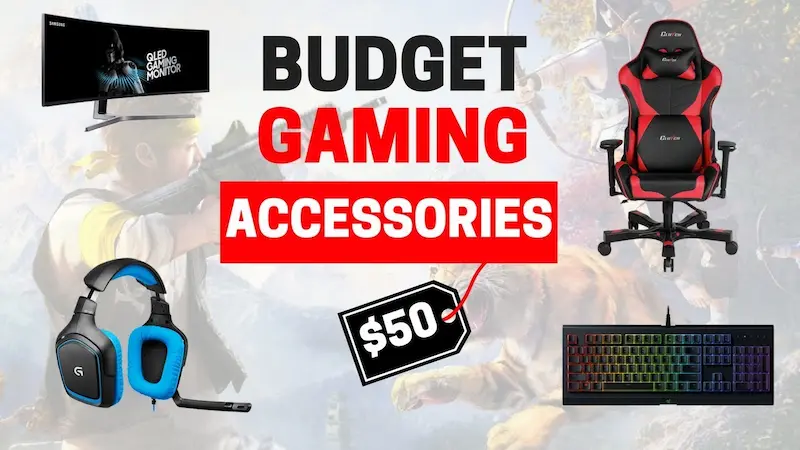
A great PC alone isn’t enough. Accessories enhance your gaming experience:
Monitor
- 1080p resolution is perfect for budget setups.
- 60–144Hz refresh rates for smooth gameplay.
- Consider FreeSync or G-Sync if using compatible GPUs.
Keyboard and Mouse
- Mechanical keyboards feel great but don’t need to be expensive—brands like Redragon and Logitech offer affordable options.
- A responsive gaming mouse with adjustable DPI is key for precision.
Headset
- Look for a headset with good sound quality and a clear microphone.
- HyperX and Corsair provide solid budget options.
Tips to Save Money While Building Your Setup
- Buy used or refurbished components – GPUs and CPUs can be cheaper second-hand.
- Prioritize GPU over CPU – Most games benefit more from a stronger GPU.
- Look for bundles – Some stores offer CPU + motherboard or monitor + peripherals bundles at discounted rates.
- Upgrade gradually – Start with essentials and enhance your setup over time.
- Check online deals – Platforms like Amazon, Newegg, and local marketplaces often have sales on gaming components.
Conclusion
A high-performance gaming experience doesn’t have to come with a high price tag. With careful planning and smart choices, this budget gaming setup buying guide will help you build a PC that runs your favorite games smoothly, looks great, and allows for future upgrades. Focus on balancing your CPU, GPU, and RAM, prioritize quality storage, and select affordable peripherals that suit your needs.
By following this budget gaming setup buying guide, you can enjoy gaming without breaking your budget while having fun building and customizing your setup.
FAQs
Q1: Can I play AAA games on a budget setup?
Yes, modern games can run at 1080p with medium to high settings, depending on your GPU.
Q2: Should I build my PC or buy pre-built?
Building your PC usually offers better value and upgrade potential, but pre-built systems save time and include warranties.
Q3: How much does a budget gaming setup cost?
Typically $600–$900, depending on components and peripherals.
Q4: Is 16GB RAM necessary?
For modern gaming, 16GB ensures smooth performance. 8GB may work for light gaming but can cause slowdowns.
Q5: Can I upgrade my setup later?
Absolutely. Budget setups can be upgraded piece by piece—more RAM, a better GPU, or additional storage as your budget grows.


